
How The Work
A complete Smart Box monitoring system designed to onboard resellers quickly, monitor devices in real-time, and streamline your team's support operations.
Set Up Your Account with Ease
Once you connect with us, our admin team will contact you to collect your business details and the required documents. After verifying your information, we’ll create your reseller account.
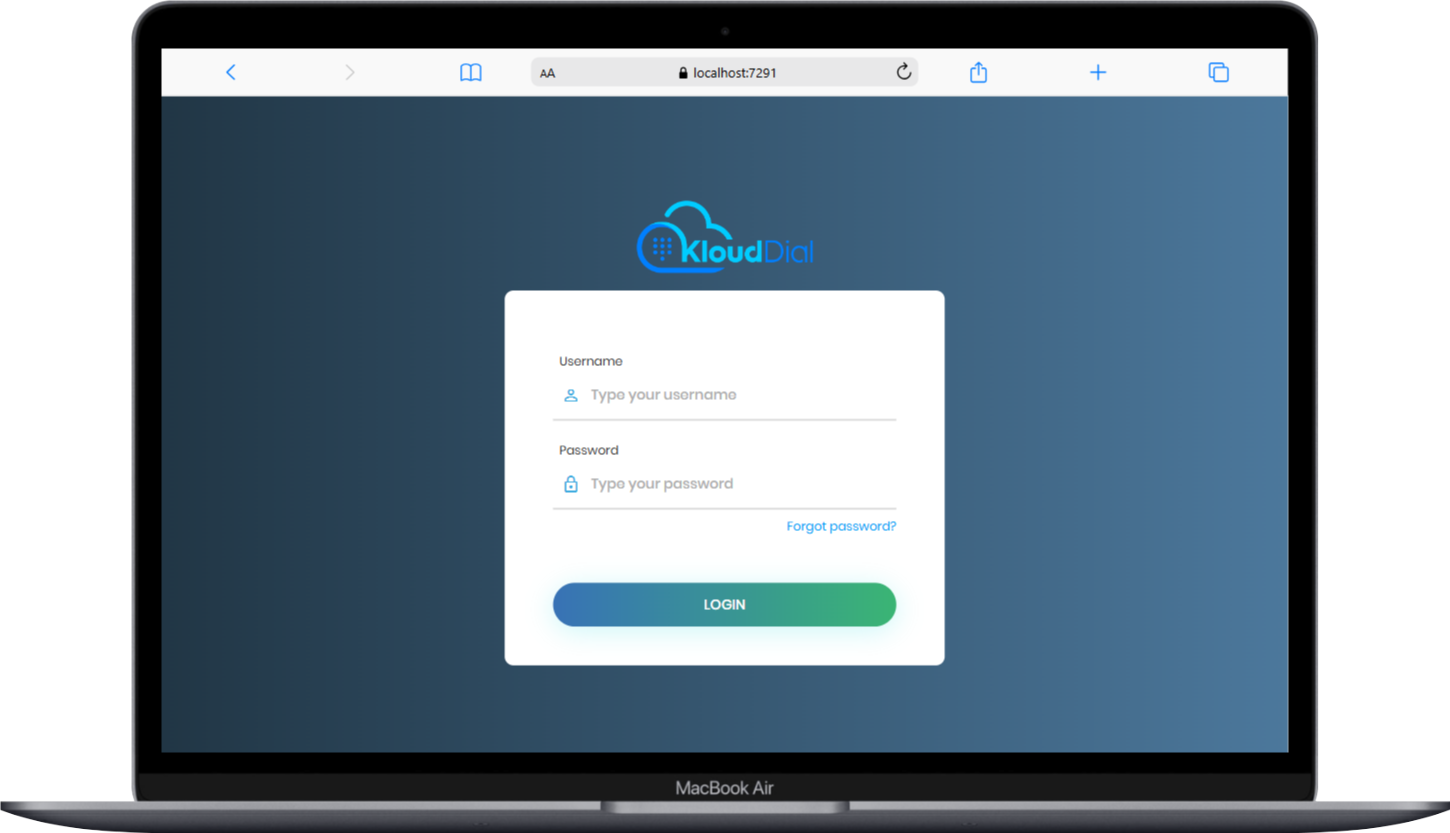
Secure, Hassle-Free Access to Your Dashboard
You’ll receive your login credentials via your registered email. The system uses OTP-based login for enhanced security and ease of access. quick, secure login.
Device Listing & Registration
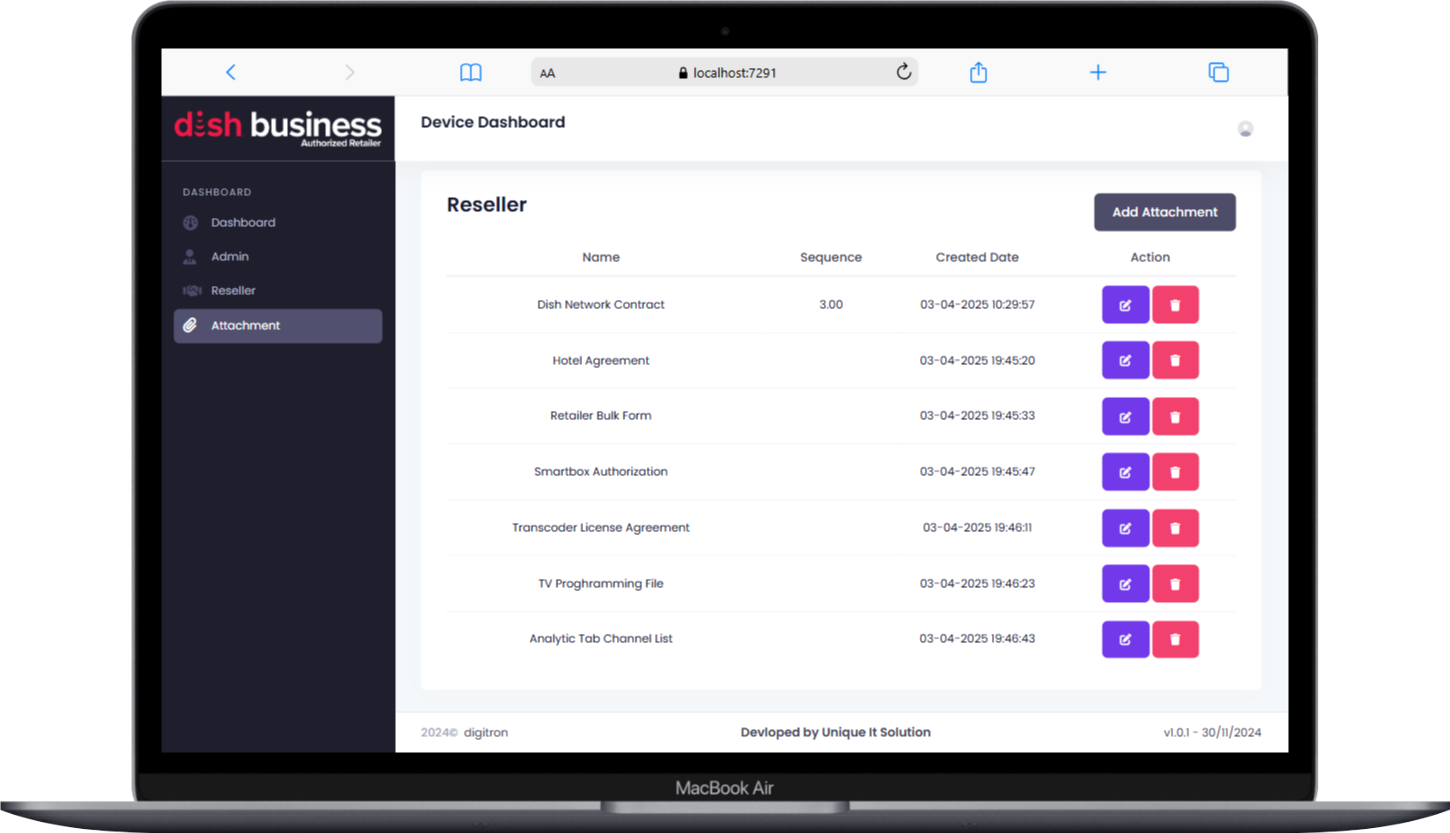
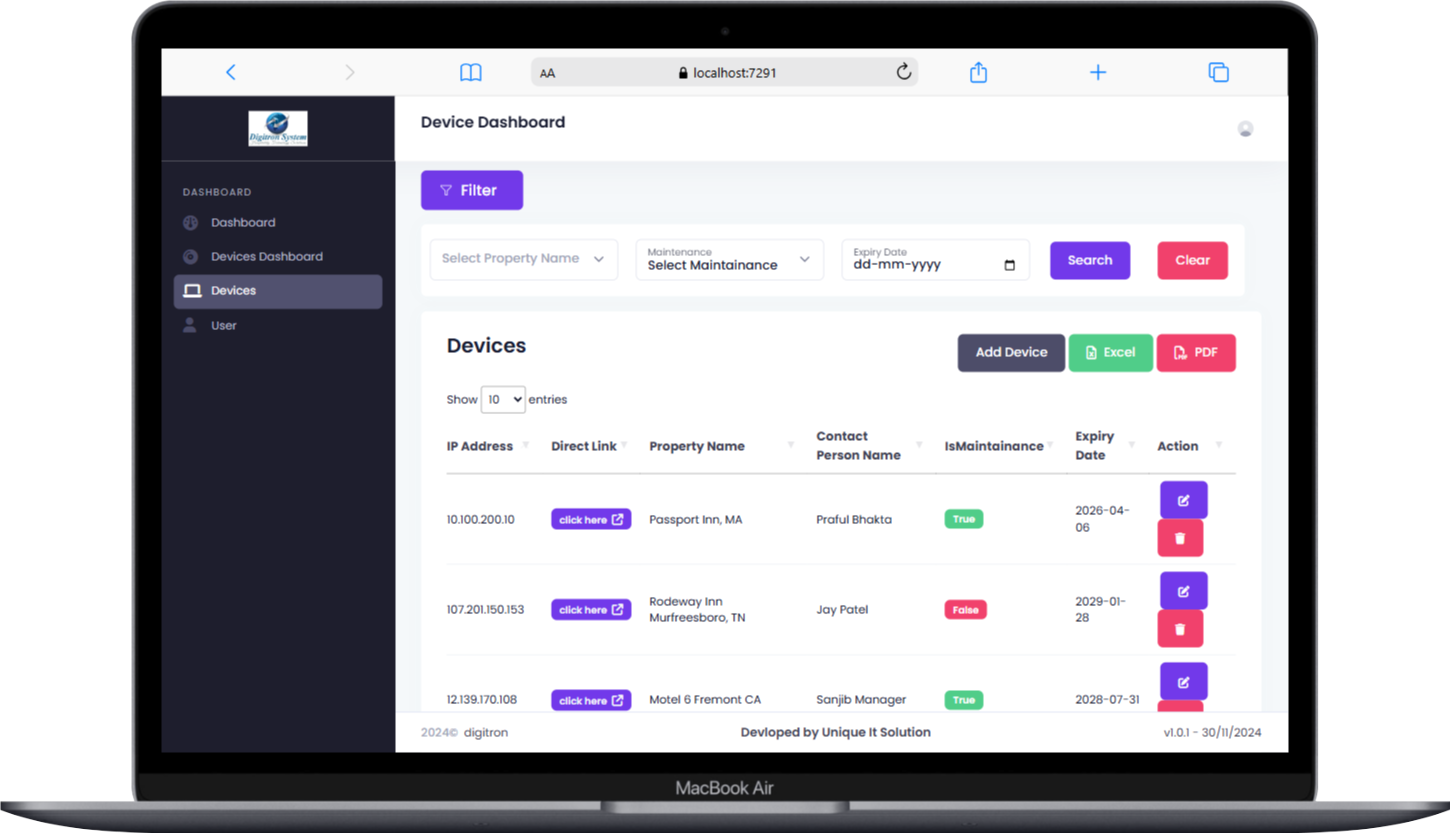
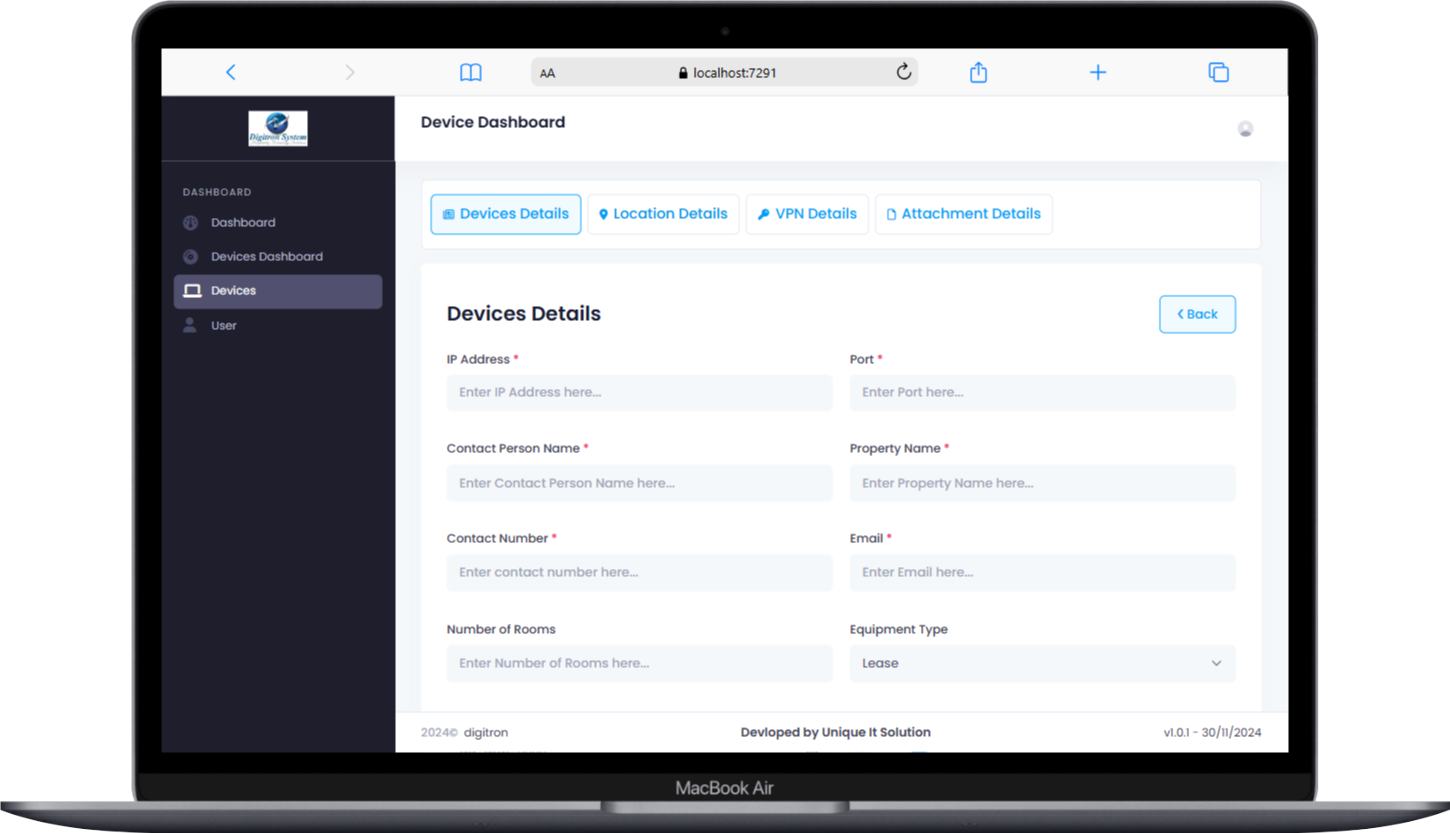
After logging in, you can begin adding Smart Box devices to your account. Each device entry requires:
- Device details (model, serial number, etc.)
- Installation location
- Setup documents (attachments)
- VPN info (if applicable)
Each registered device is added to your personal dashboard for monitoring.
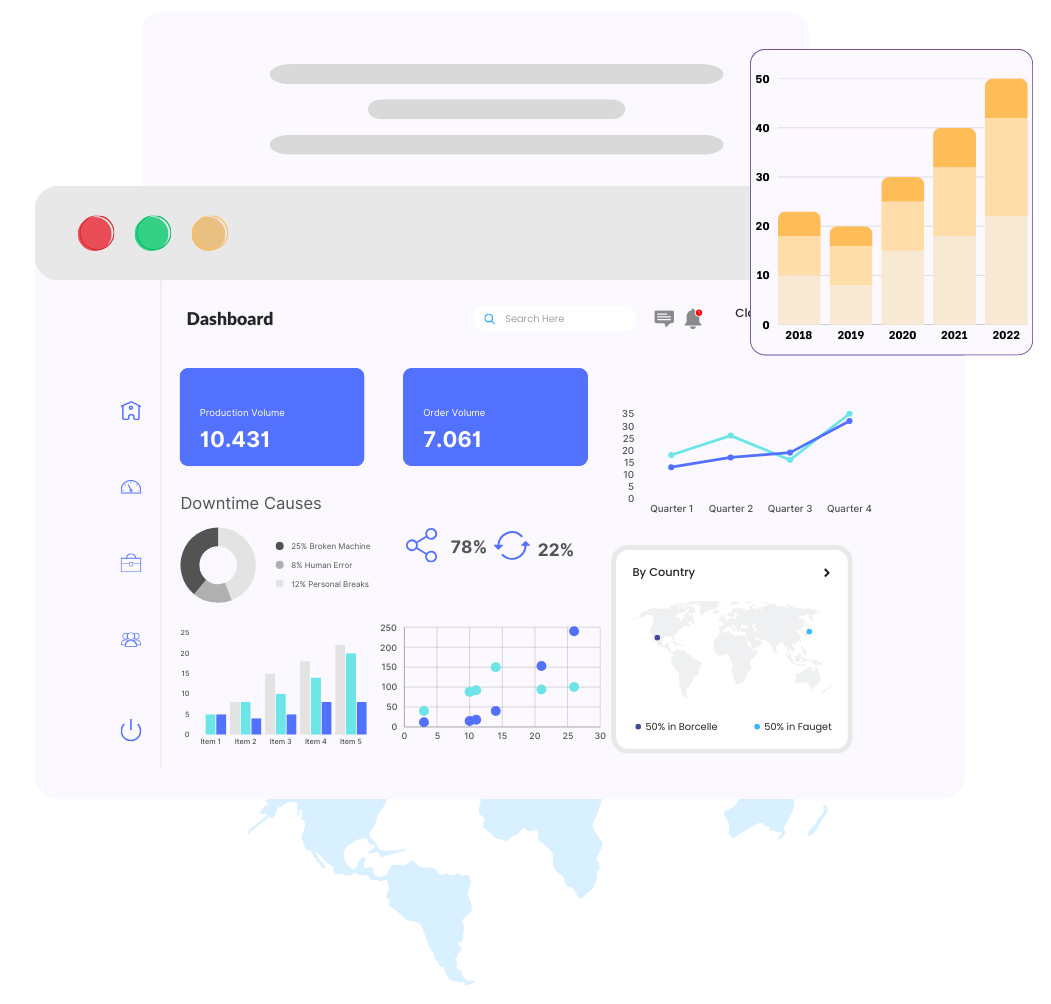
Monitor and Manage Devices in Real Time
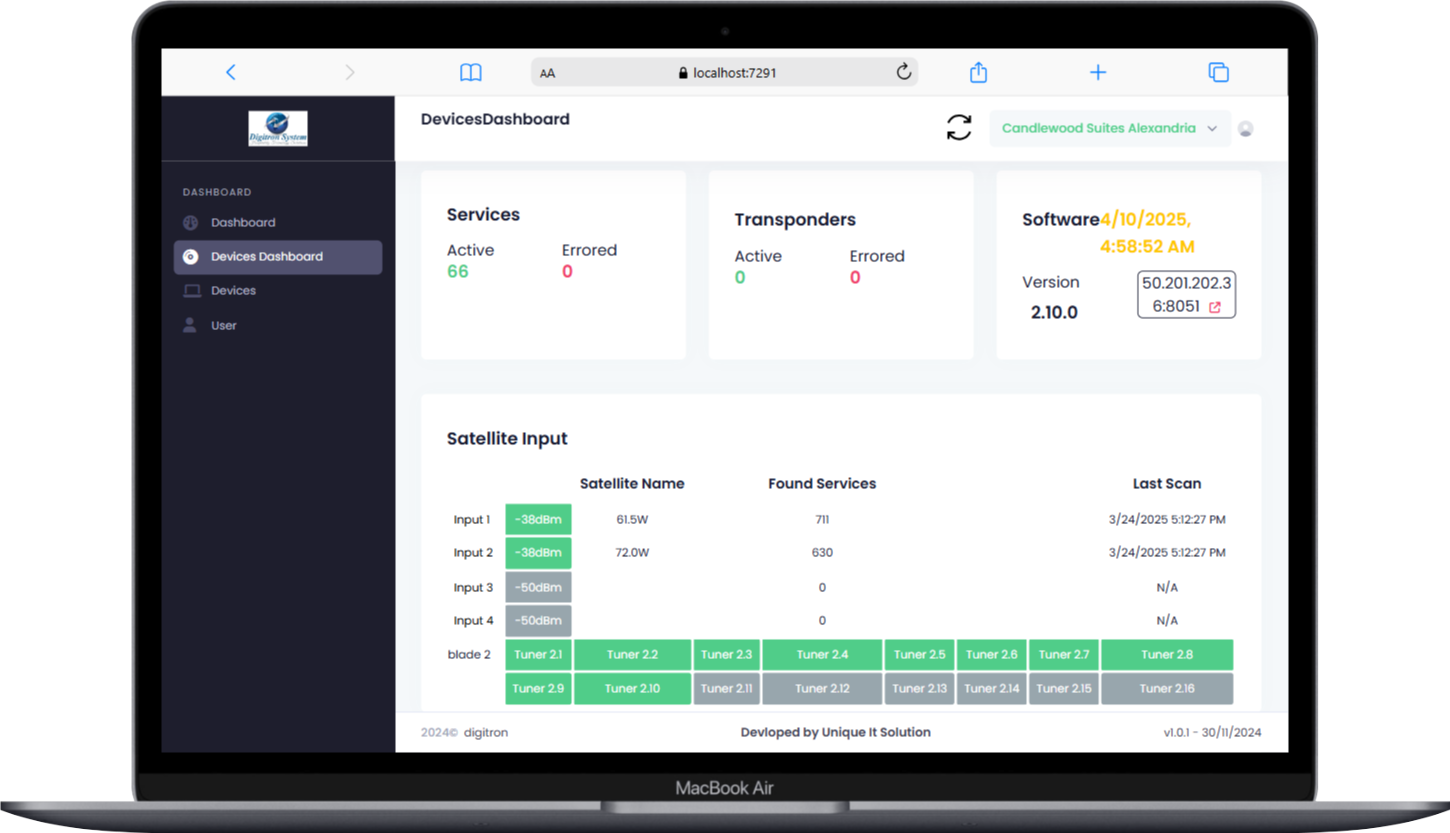
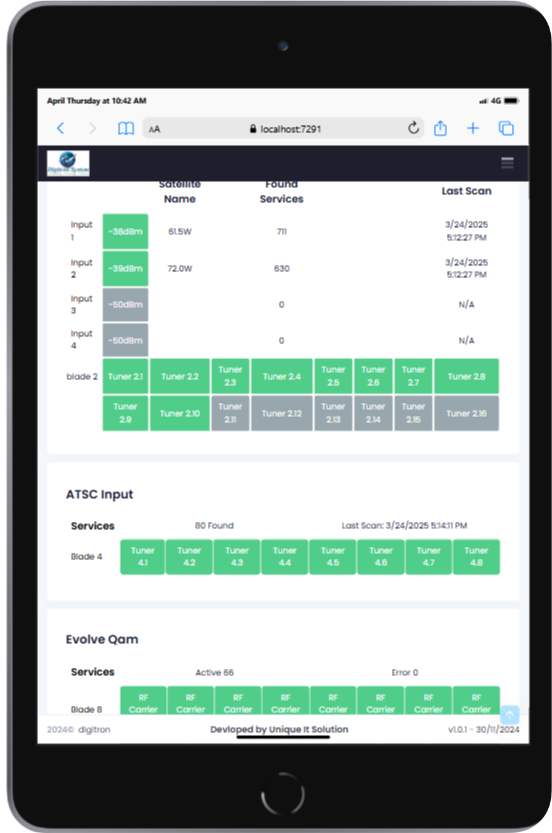
Once devices are added, they appear in your device dashboard, where you can:
- Use the device dropdown to select any specific Smart Box
- Refresh device status manually to get the latest data
- View real-time performance stats and satellite signal levels
- Troubleshoot or diagnose issues remotely
This lets you check each device in detail whenever needed
Track Device Locations with Interactive Map View
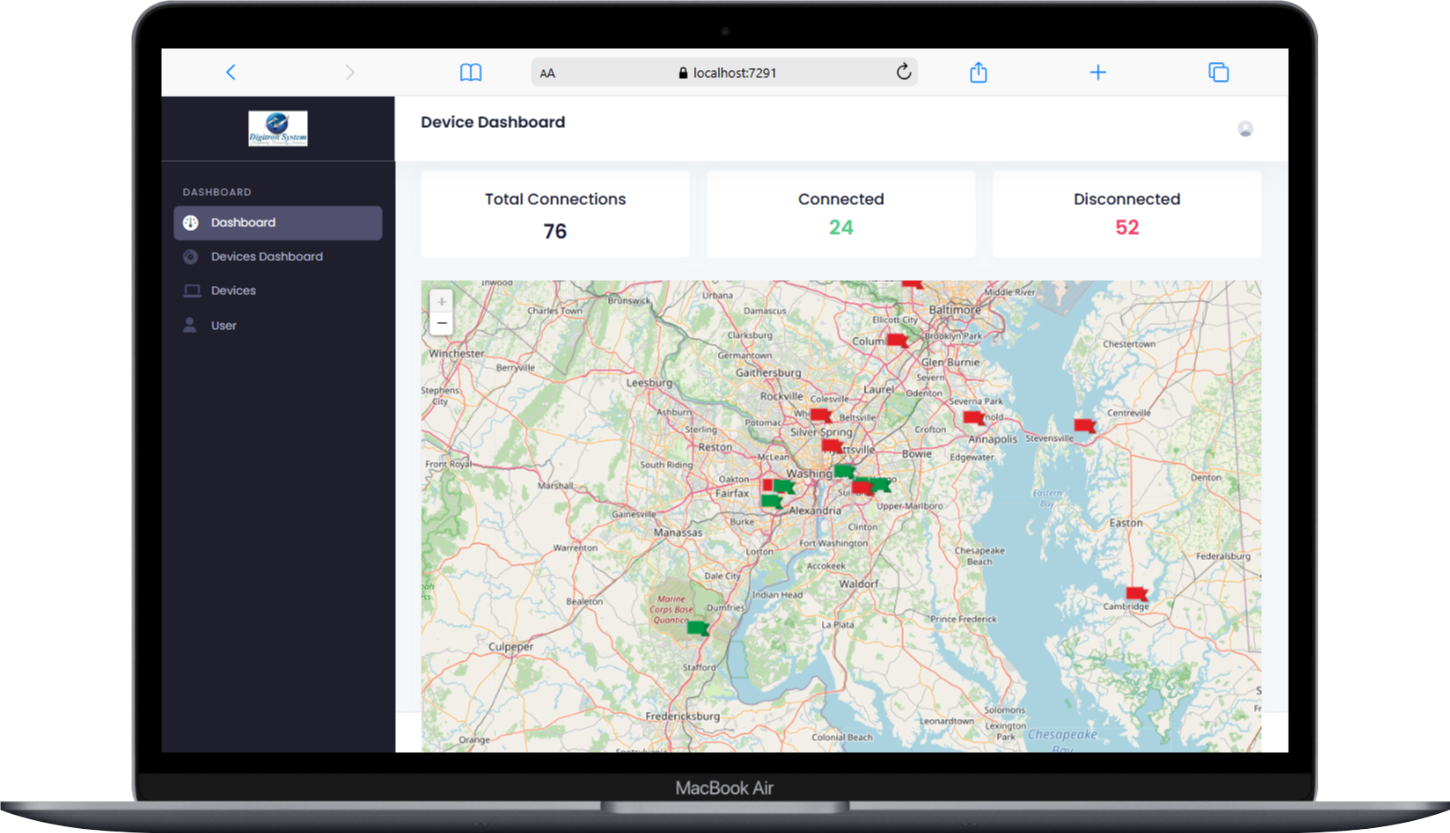
Your dashboard also features a map view showing all device locations. Each device is marked with a flag:
-
 Device is facing issues or offline
-
 Device is active and healthy
This provides a quick bird’s-eye view of your operations across all client properties.
Automated Health Checks & Email Alerts
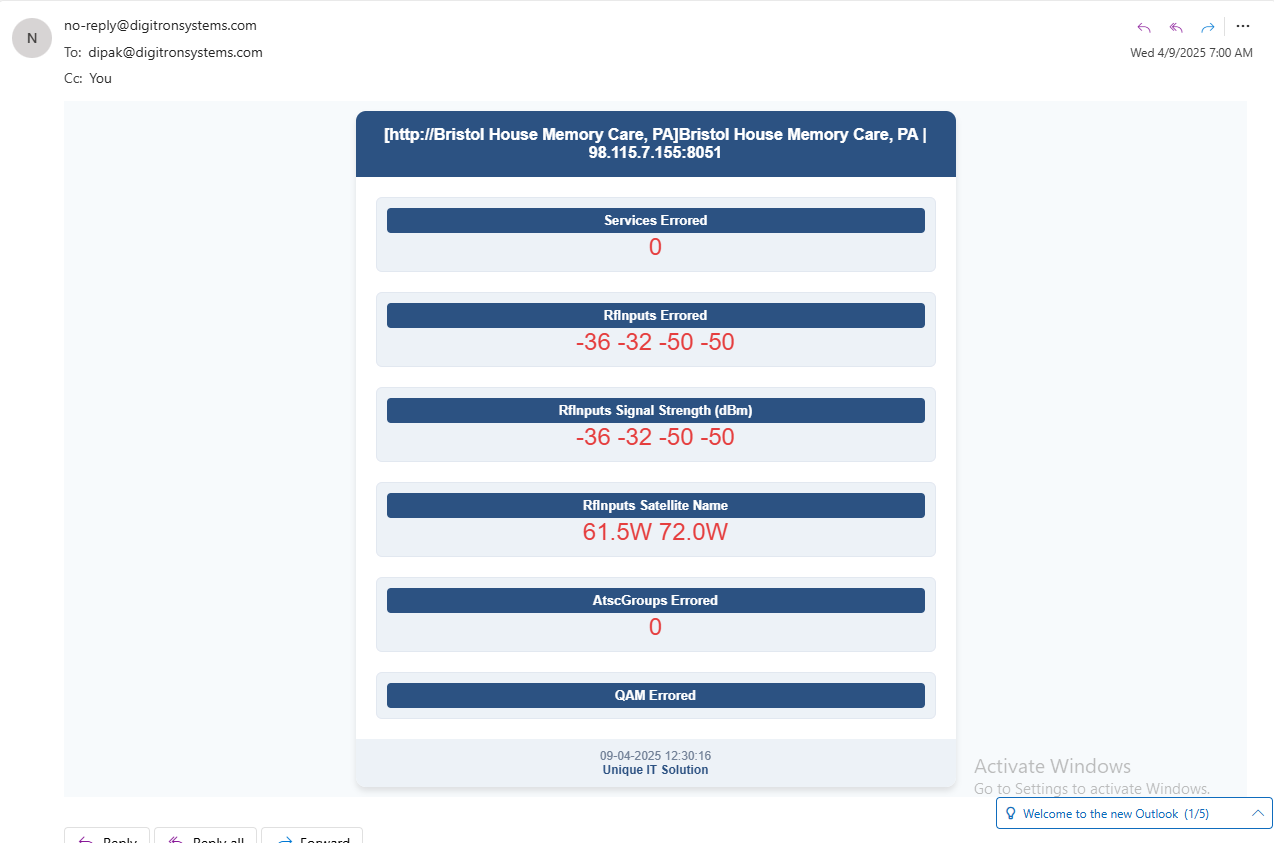
The system performs a health check every 4 hours on all registered devices. If an issue is detected (e.g., offline, weak signal, error), our system will:
- Auto-generate an email alert
- Include device name, issue type, location, timestamp, and suggested action
This proactive approach helps you fix problems before the client even notices.
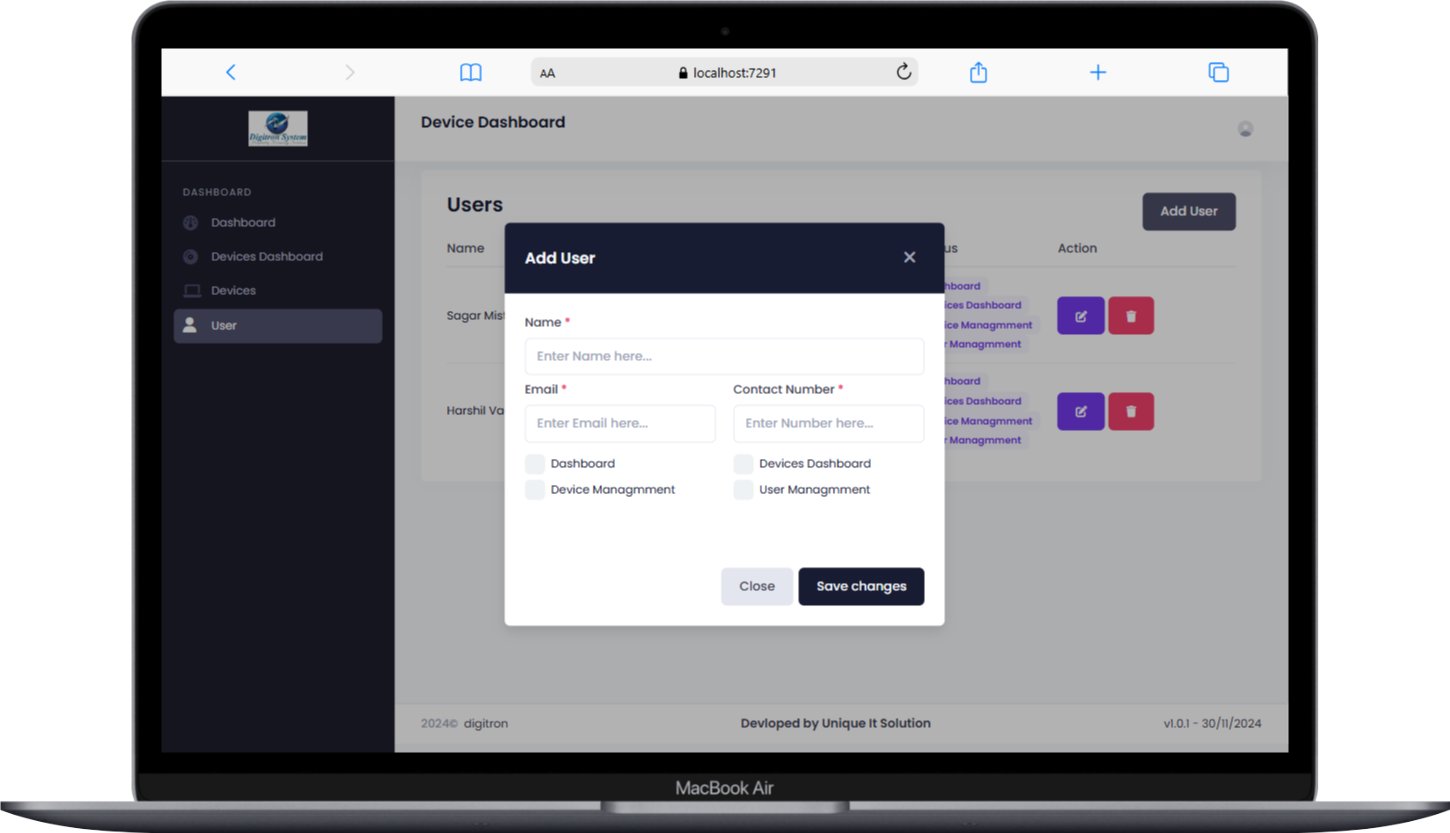
Team Access Control & Permissions
You can add team members to your account and control what they can access.
For each user, assign specific permissions such as:
- View-only access
- Device management
- Alert handling
- Admin rights
This keeps your team efficient and secure.